Logotipo de Kaiser Permanente
User Account icon
Mi cuenta
  • Sign Out icon Salir


    User Account icon
    • Sign Out icon


                Explore your new homepage

                We’ve made things simpler. Your new homepage shows your upcoming visits, messages, and test results — all in one place.

                1 of 5

                Skip this tutorial

                Have more questions? Get help with MyChart.

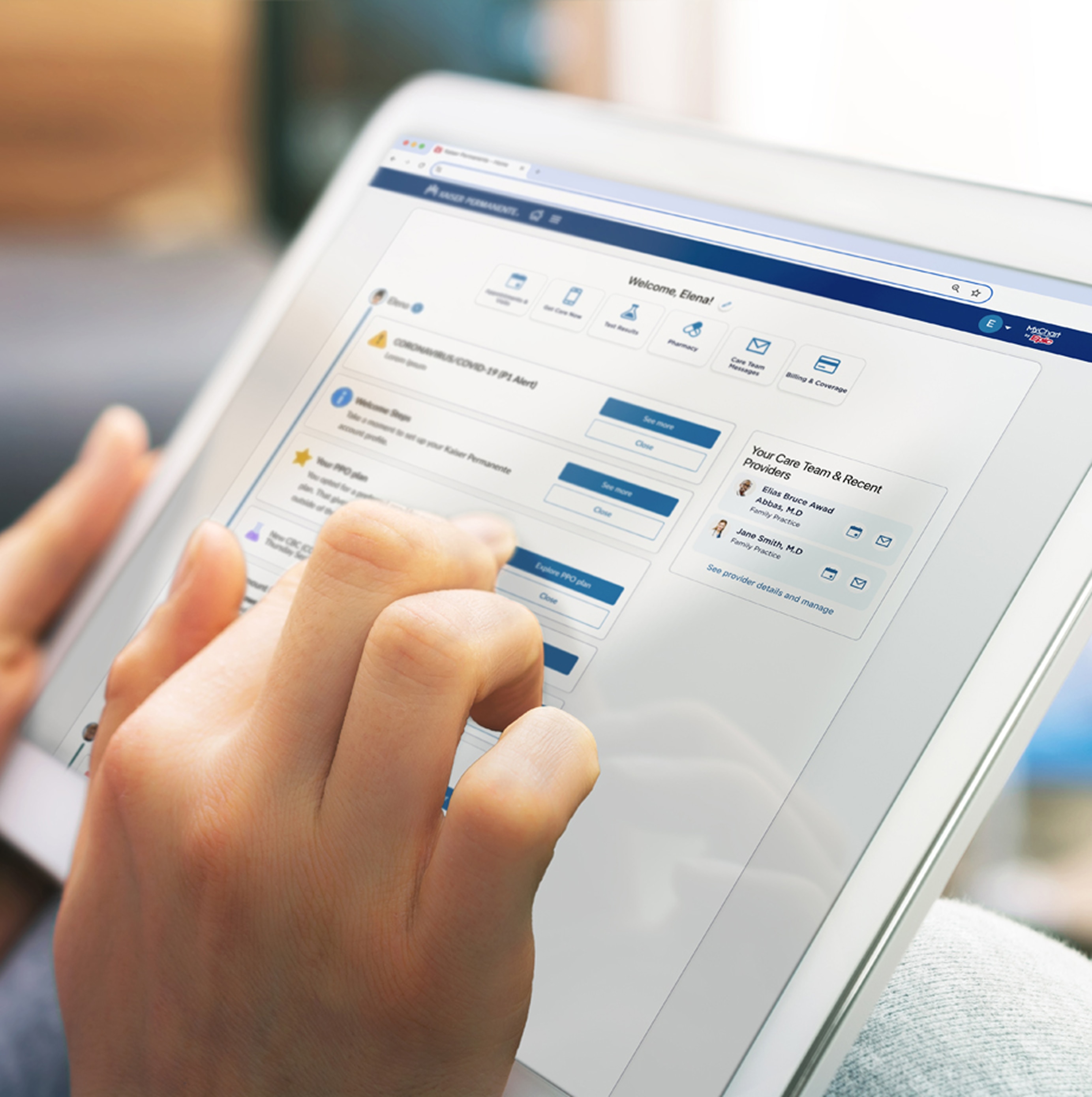
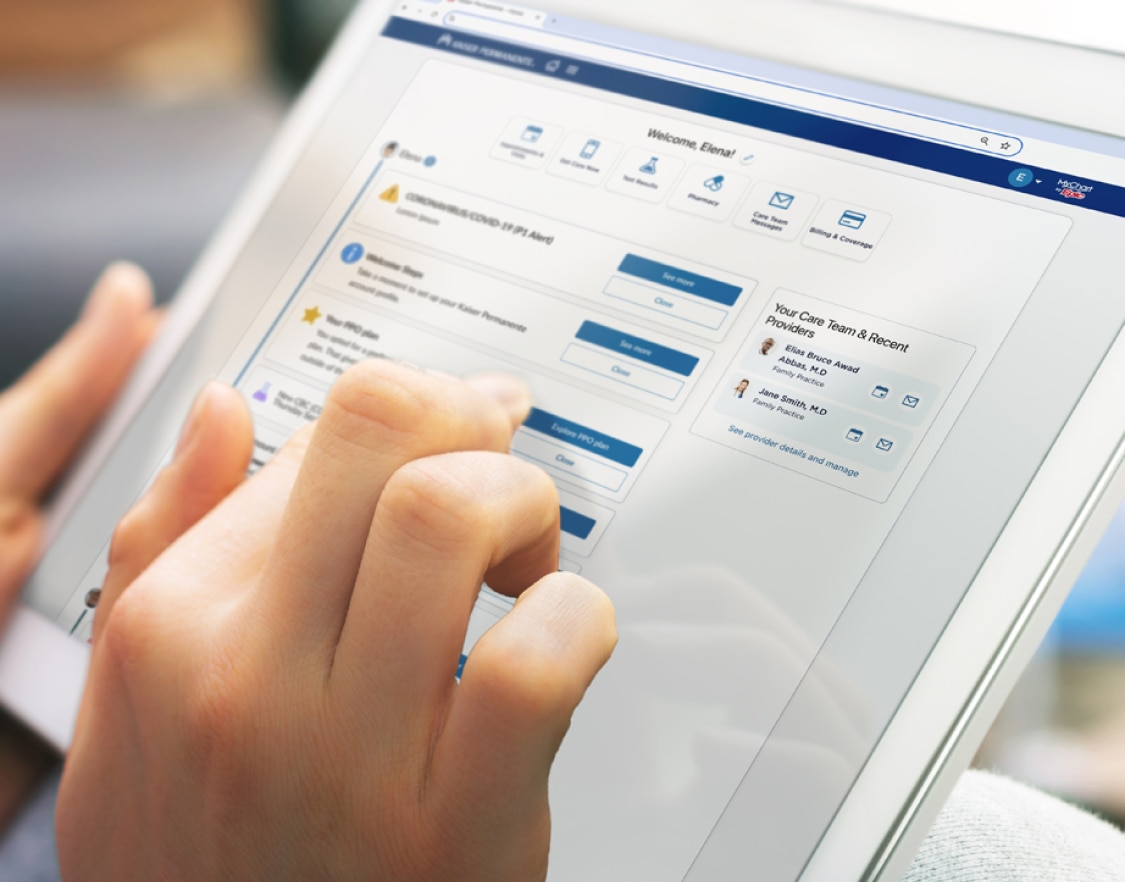
                Mychart homepage displayed by someone holding mobile device. Mychart homepage displayed by someone holding mobile device.

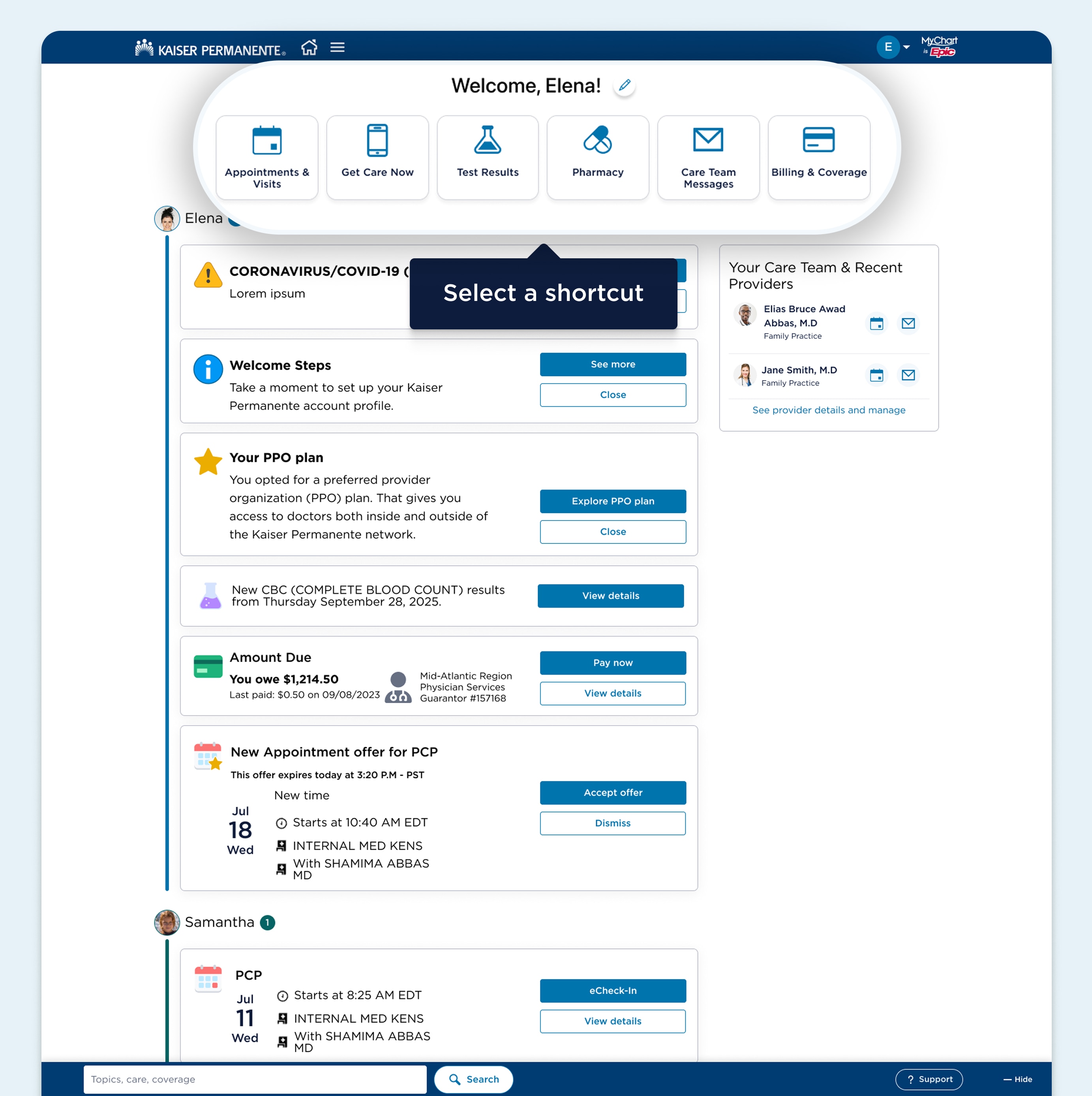
                Save time with quick links

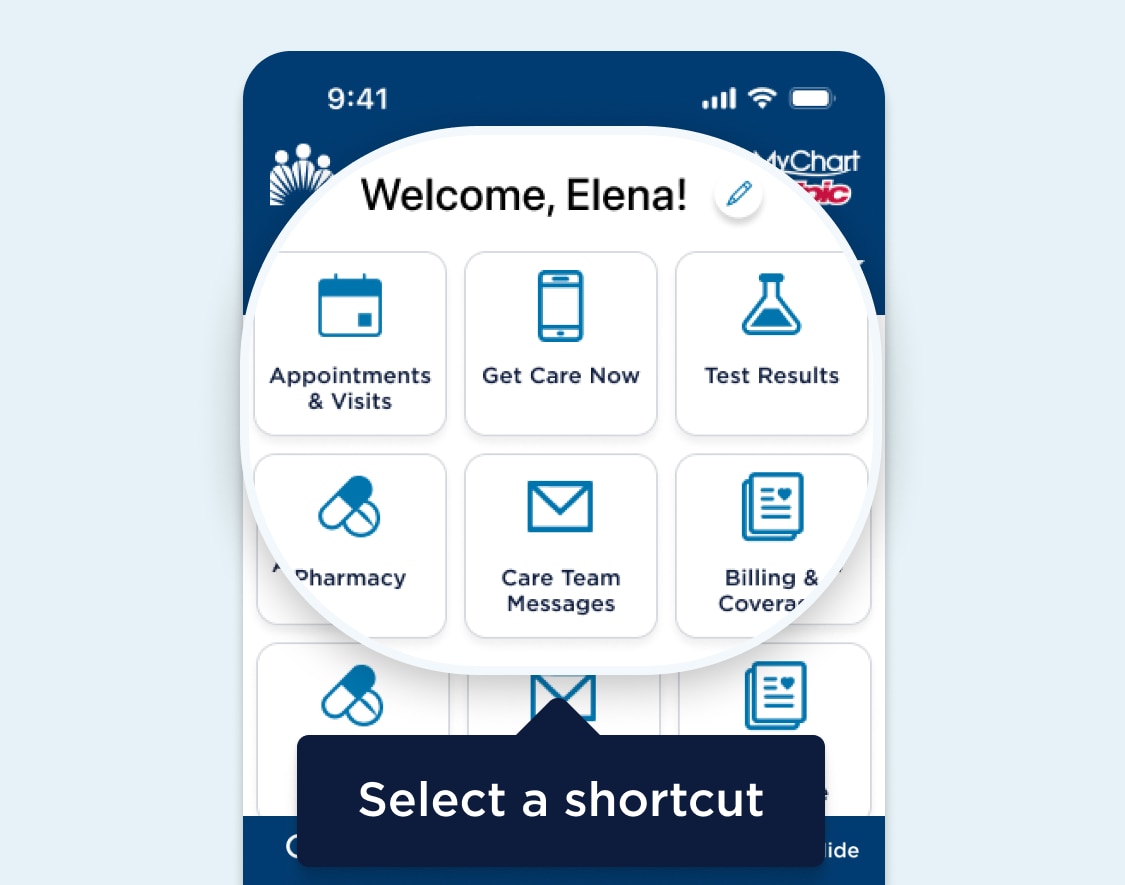
                Your homepage has shortcuts so you can complete tasks like making an appointment or sending a message. You can also change your shortcuts to quickly get to the ones you use most by tapping the pencil icon at the top of the screen.

                2 of 5

                Skip this tutorial

                Have more questions? Get help with MyChart.

                MyChart webpage featuring a highlighted area with customizable shortcuts below the level one heading. A Pencil icon comes after the heading and a text bubble for the whole highlighted area says select a shortcut. MyChart webpage featuring a highlighted area with customizable shortcuts below the level one heading. A Pencil icon comes after the heading and a text bubble for the whole highlighted area says select a shortcut.

                See the many tools available to you

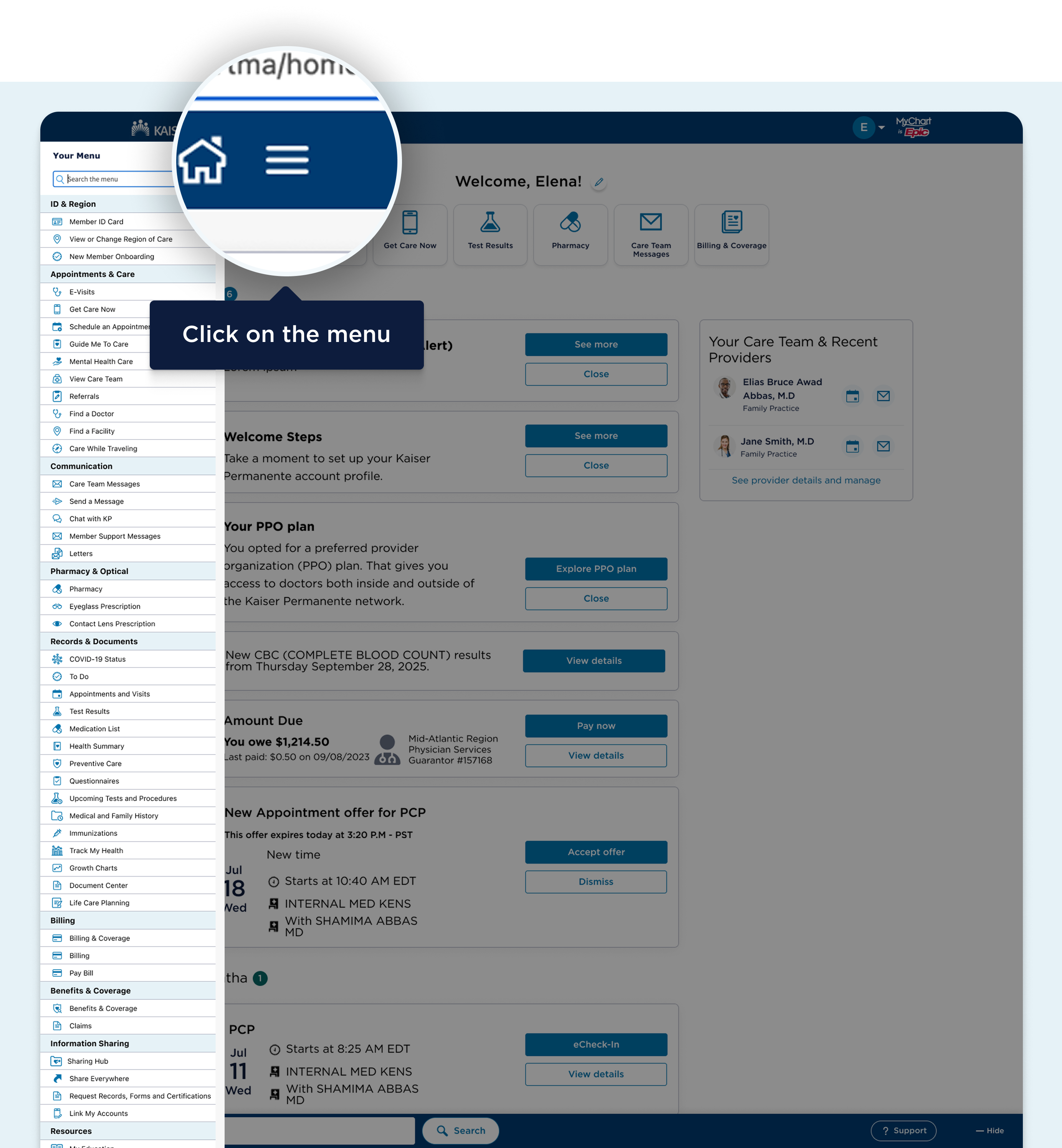
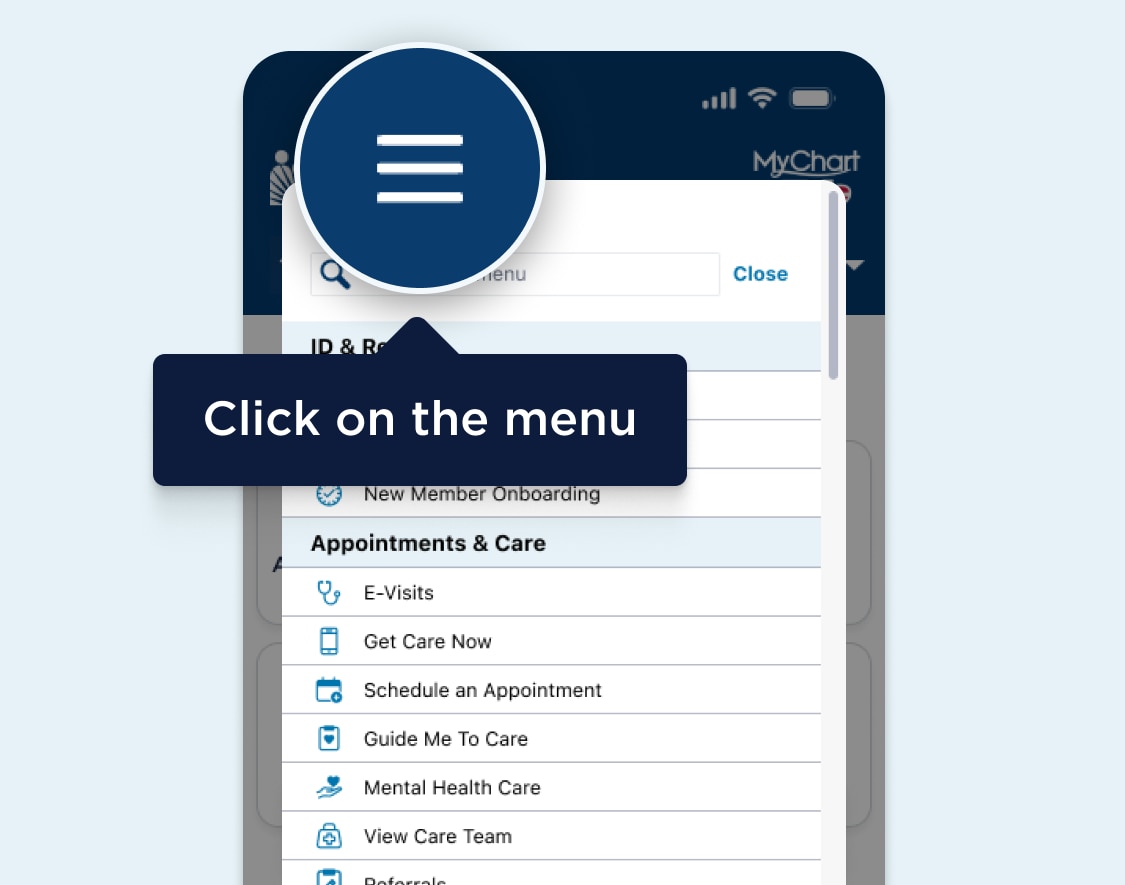
                Tap the menu button at the top left corner of the navigation header to see your tools. You can view your appointments, bills, health records, and more. 

                3 of 5

                Skip this tutorial

                Have more questions? Get help with MyChart.

                MyChart dashboard webpage featuring a highlighted area after the Kaiser Permanente logo in the navigation header showing the main navigation menu which is visually represented by a Menu icon. A text bubble for the highlighted area says click on the menu. MyChart dashboard webpage featuring a highlighted area after the Kaiser Permanente logo in the navigation header showing the main navigation menu which is visually represented by a Menu icon. A text bubble for the highlighted area says click on the menu.

                Switch between accounts

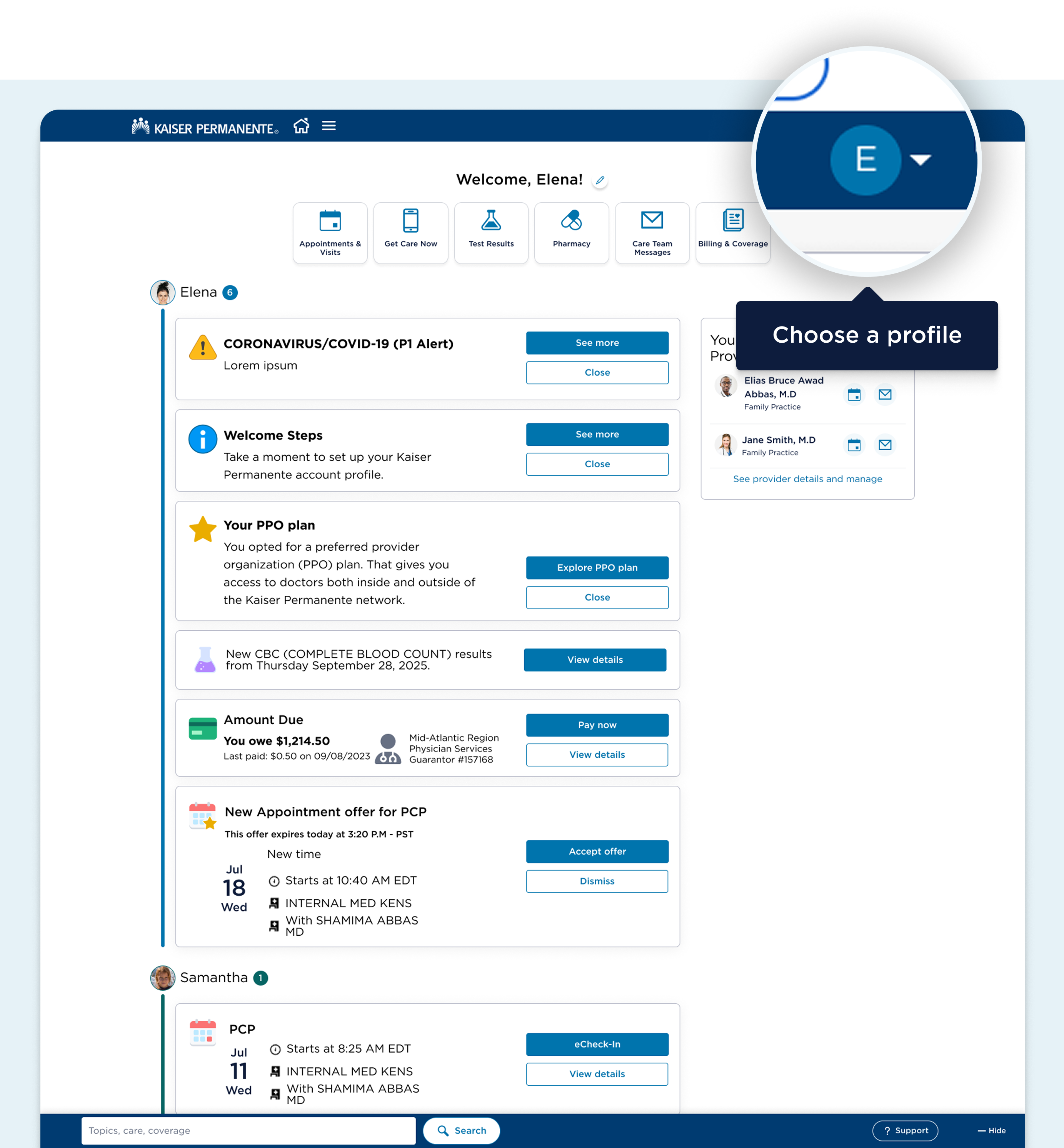
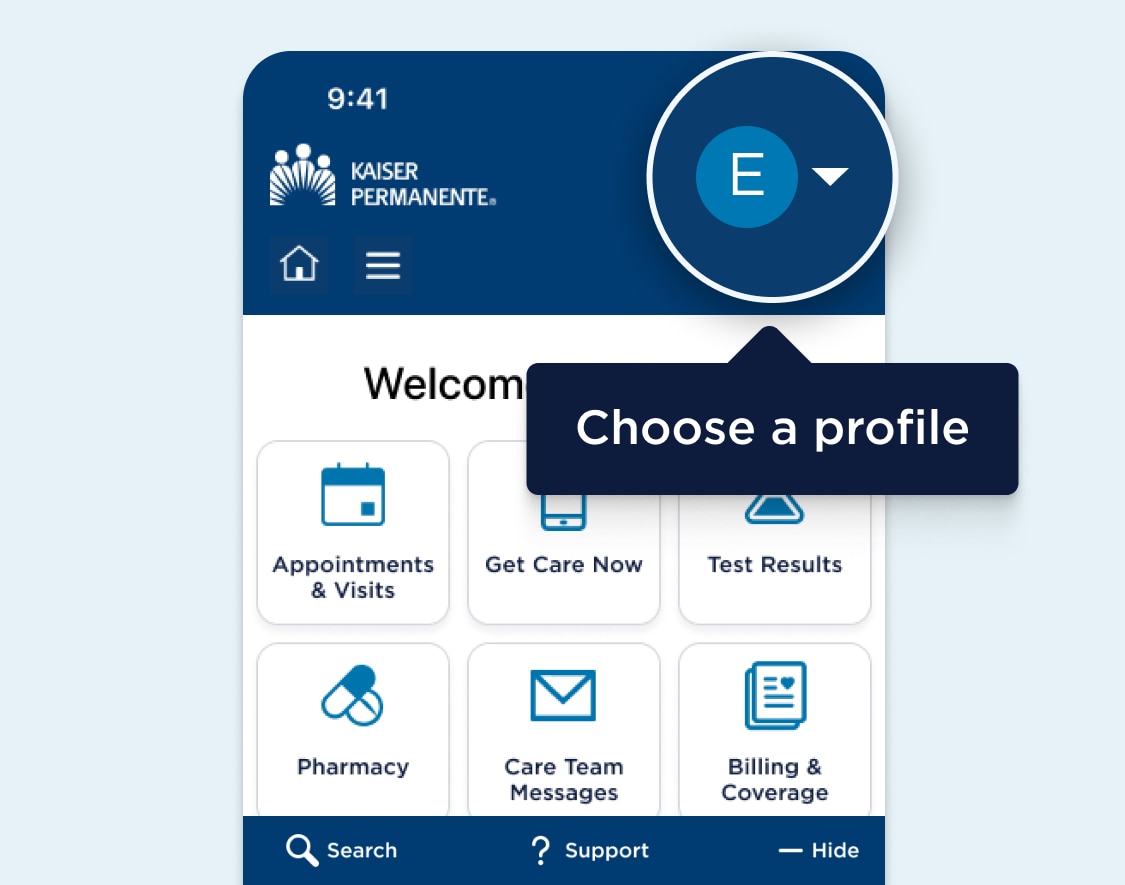
                Helping someone with their care? Tap the menu button at the top right corner of the navigation header and select “Manage friends and family” to add someone to your account. You can then use the menu to switch between accounts quickly and easily. 

                4 of 5

                Skip this tutorial

                Have more questions? Get help with MyChart.

                MyChart dashboard webpage featuring a highlighted area near the end of the navigation header showing the account options menu button. A text bubble for the highlighted area says choose a profile. MyChart dashboard webpage featuring a highlighted area near the end of the navigation header showing the account options menu button. A text bubble for the highlighted area says choose a profile.

                Get the support you need

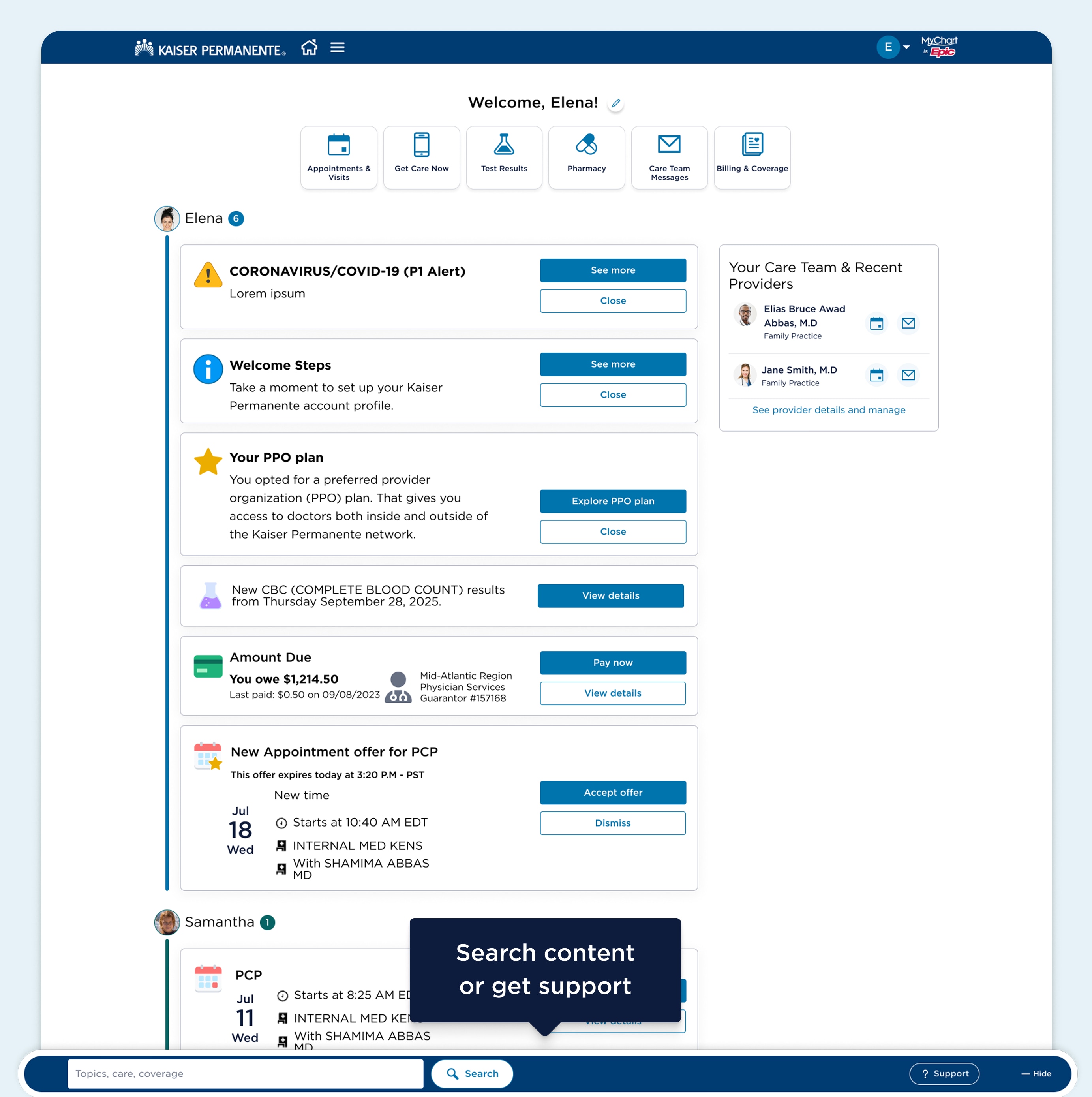
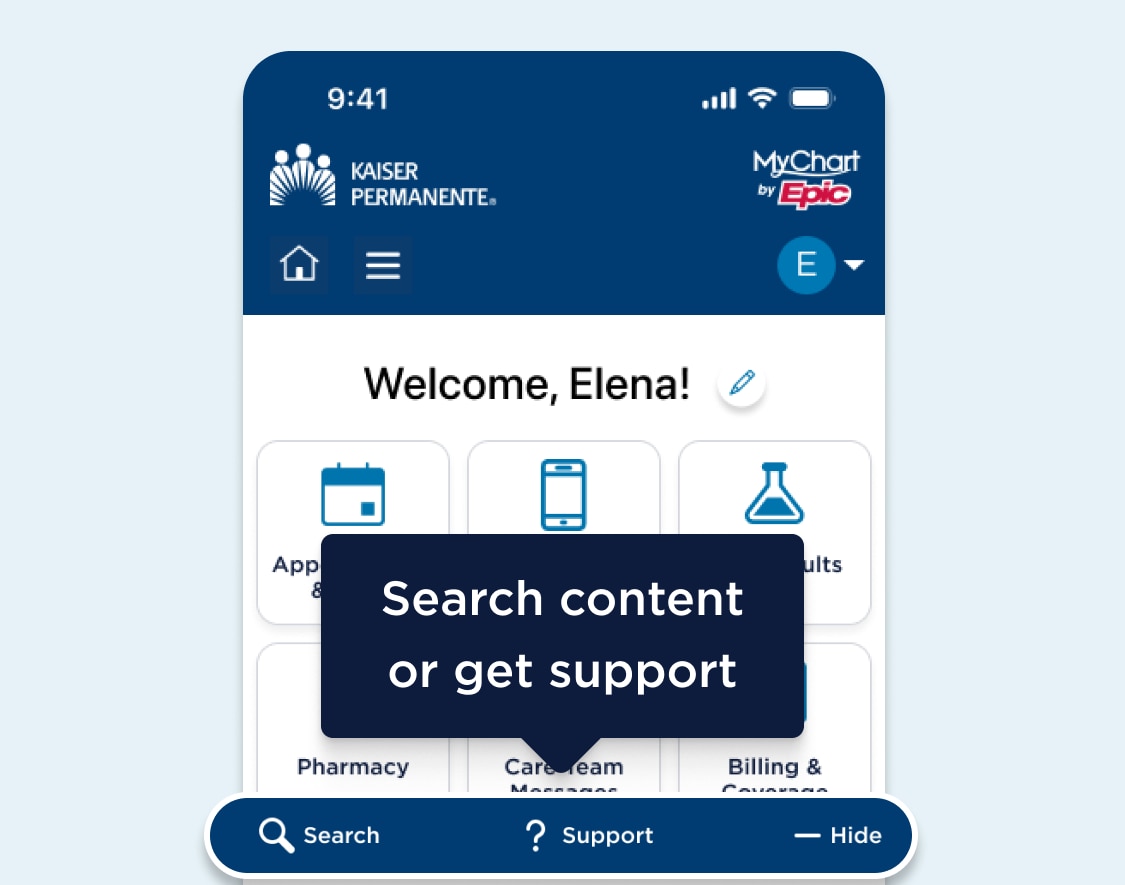
                You can use the Search and Support buttons at the bottom of the screen to get help or find information.

                Have more questions? Get help with MyChart.

                5 of 5

                Have more questions? Get help with MyChart.

                Have more questions? Get help with MyChart.

                MyChart dashboard webpage featuring a highlighted area in a bar near the end of the page content showing action buttons search and help. A text bubble for the highlighted area says search content or get support. MyChart dashboard webpage featuring a highlighted area in a bar near the end of the page content showing action buttons search and help. A text bubble for the highlighted area says search content or get support.

                © {{currentyear}} Kaiser Foundation Health Plan, Inc.