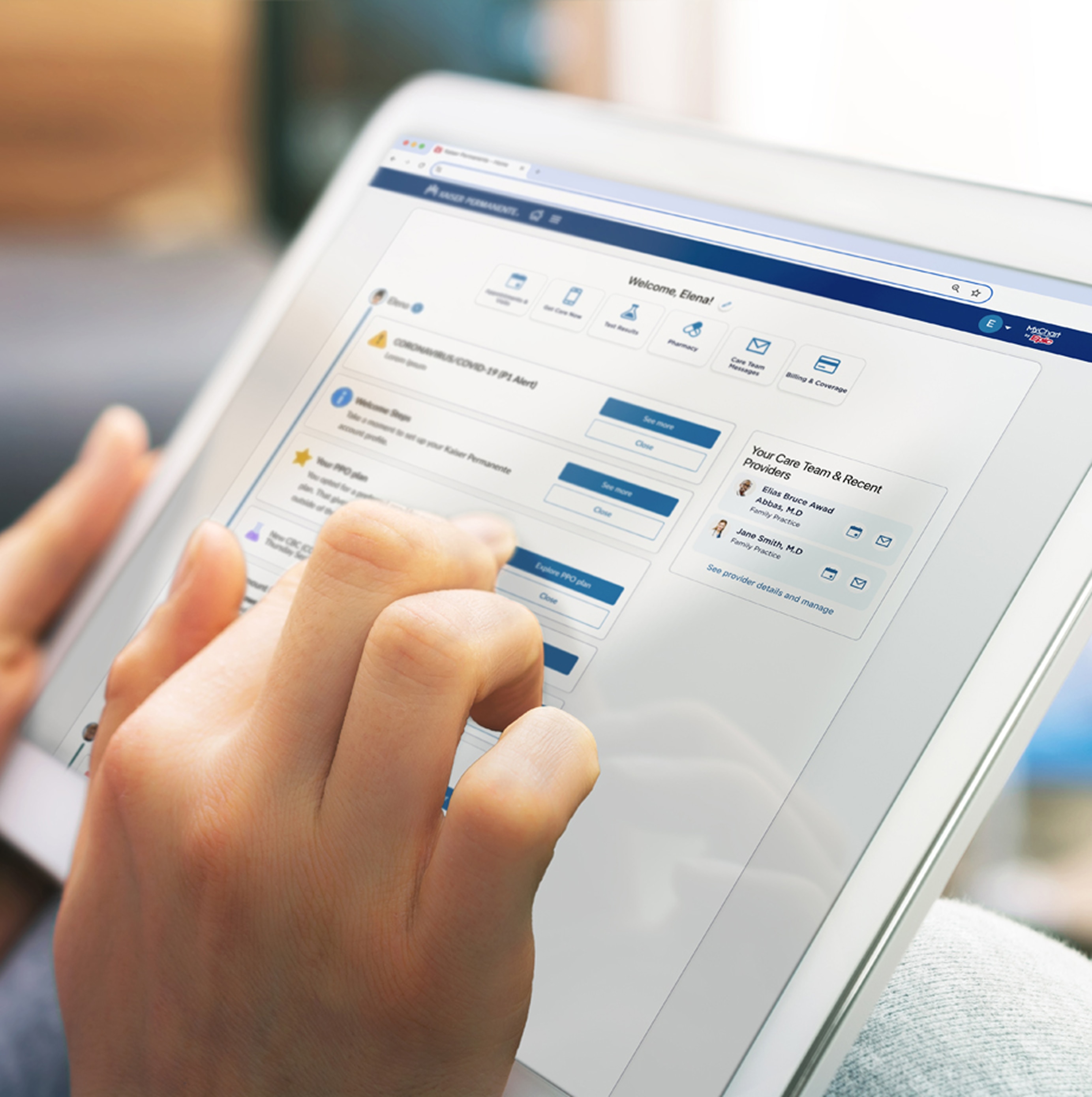
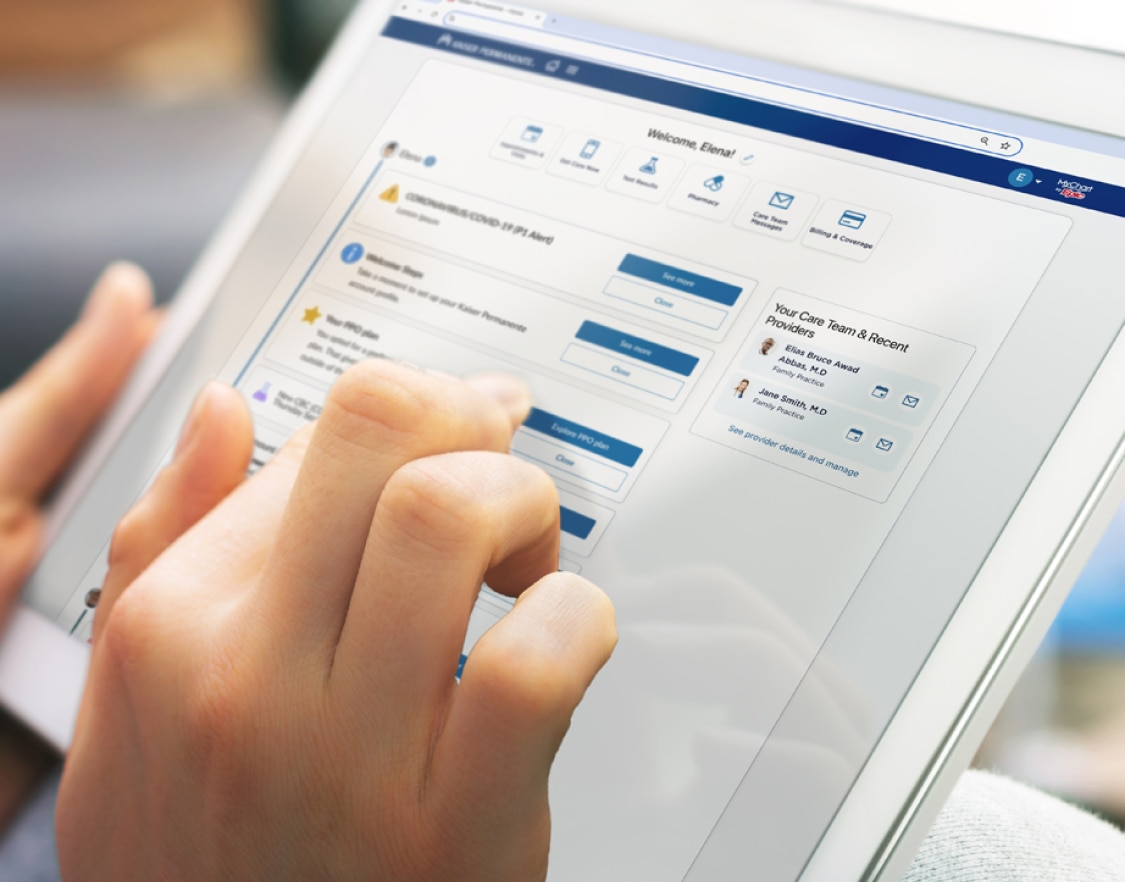
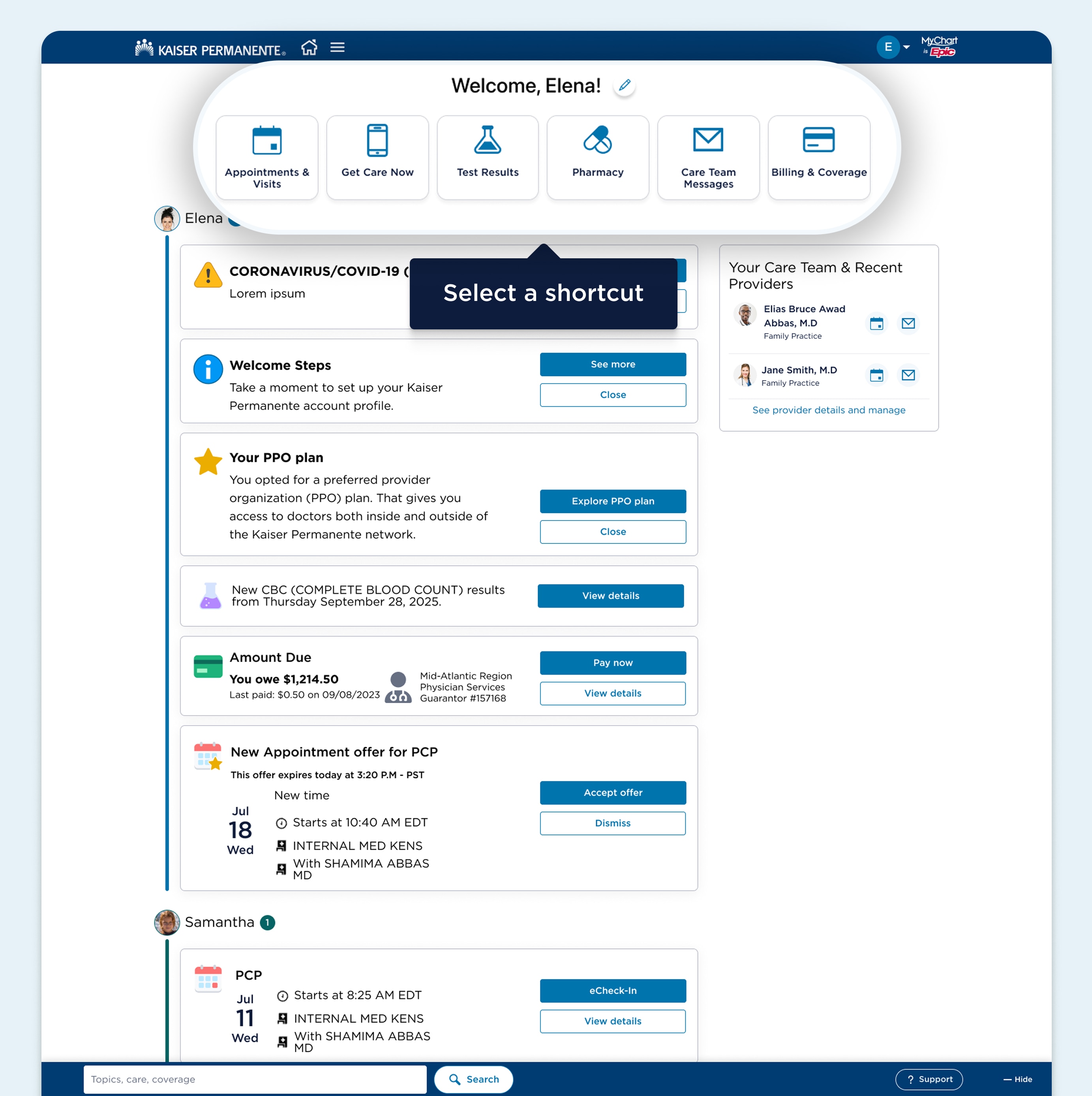
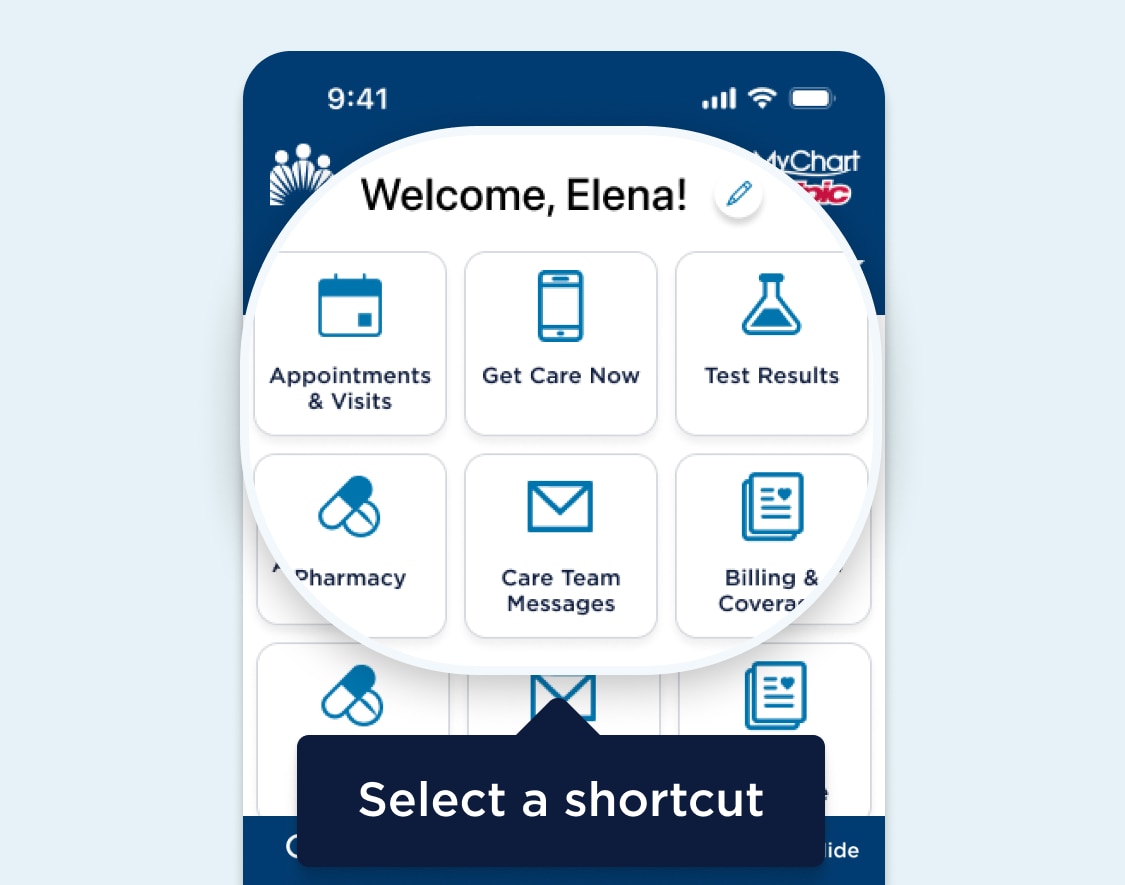
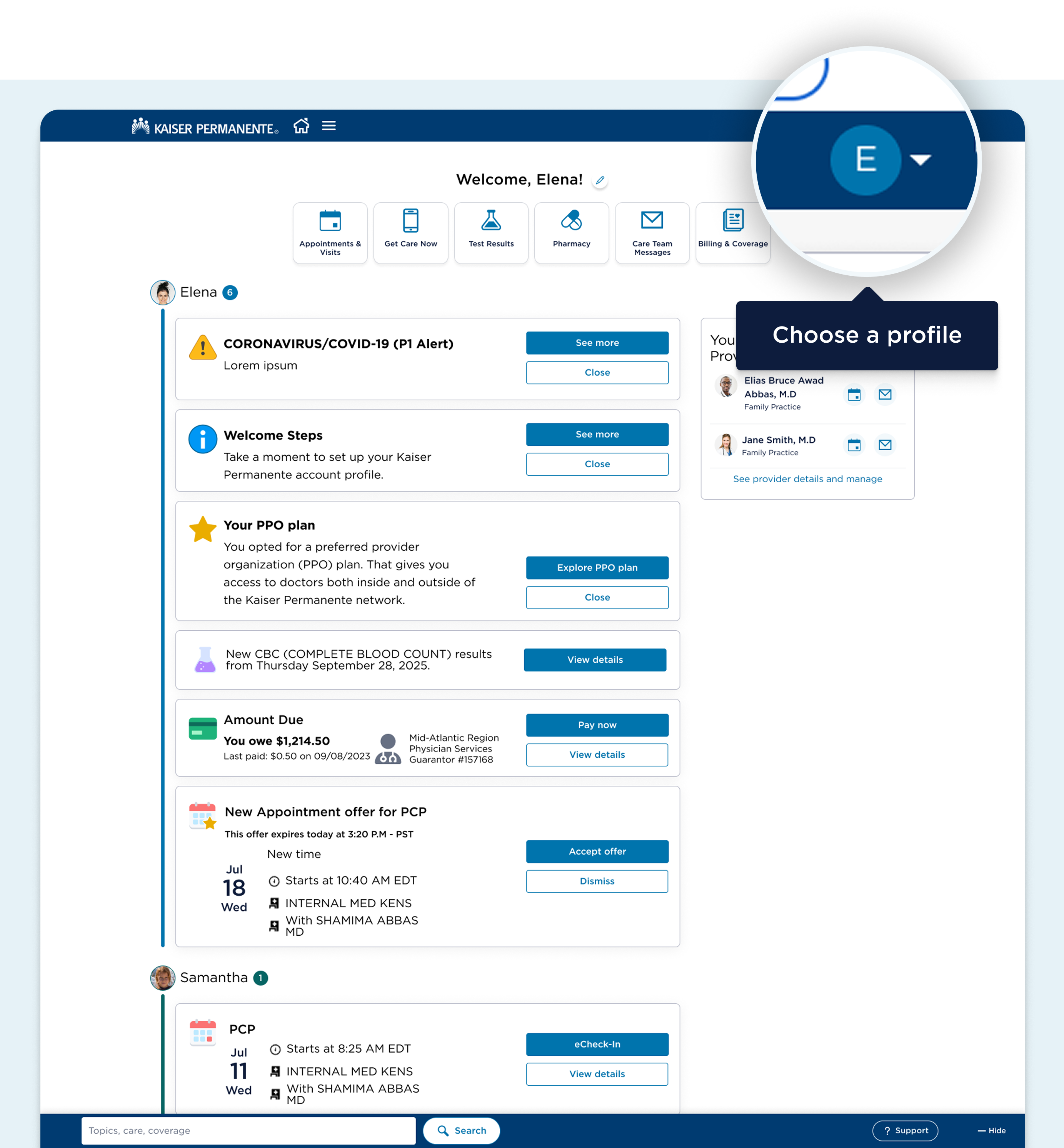
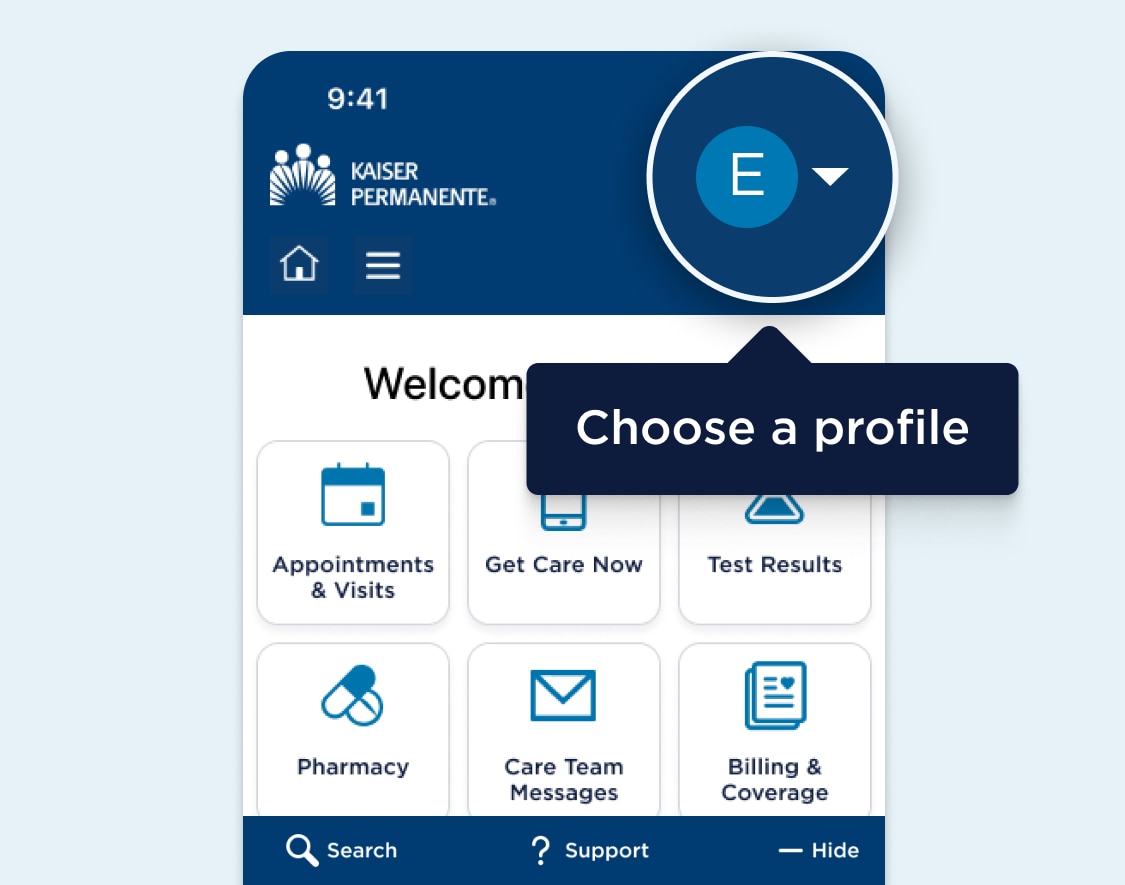
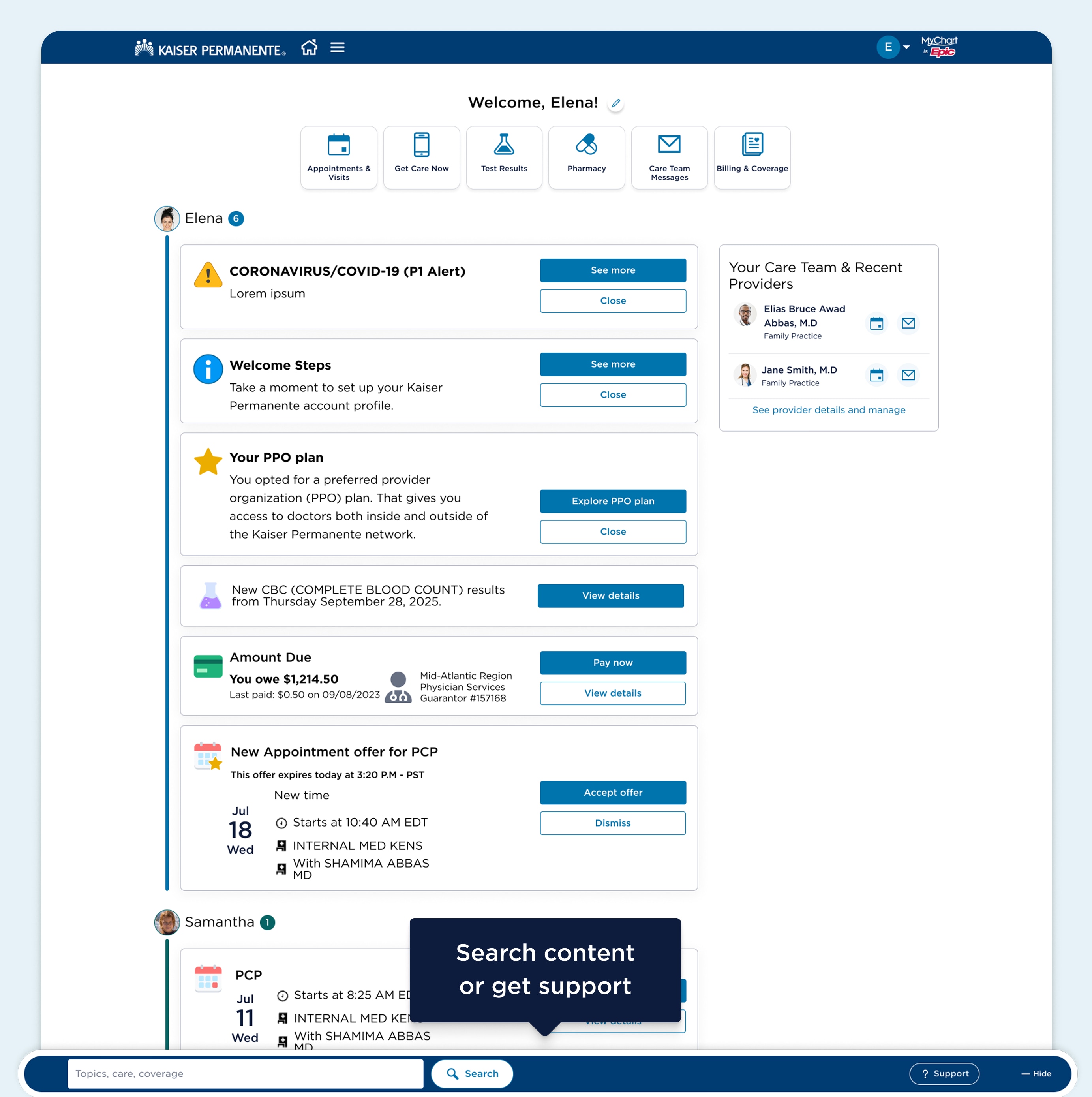
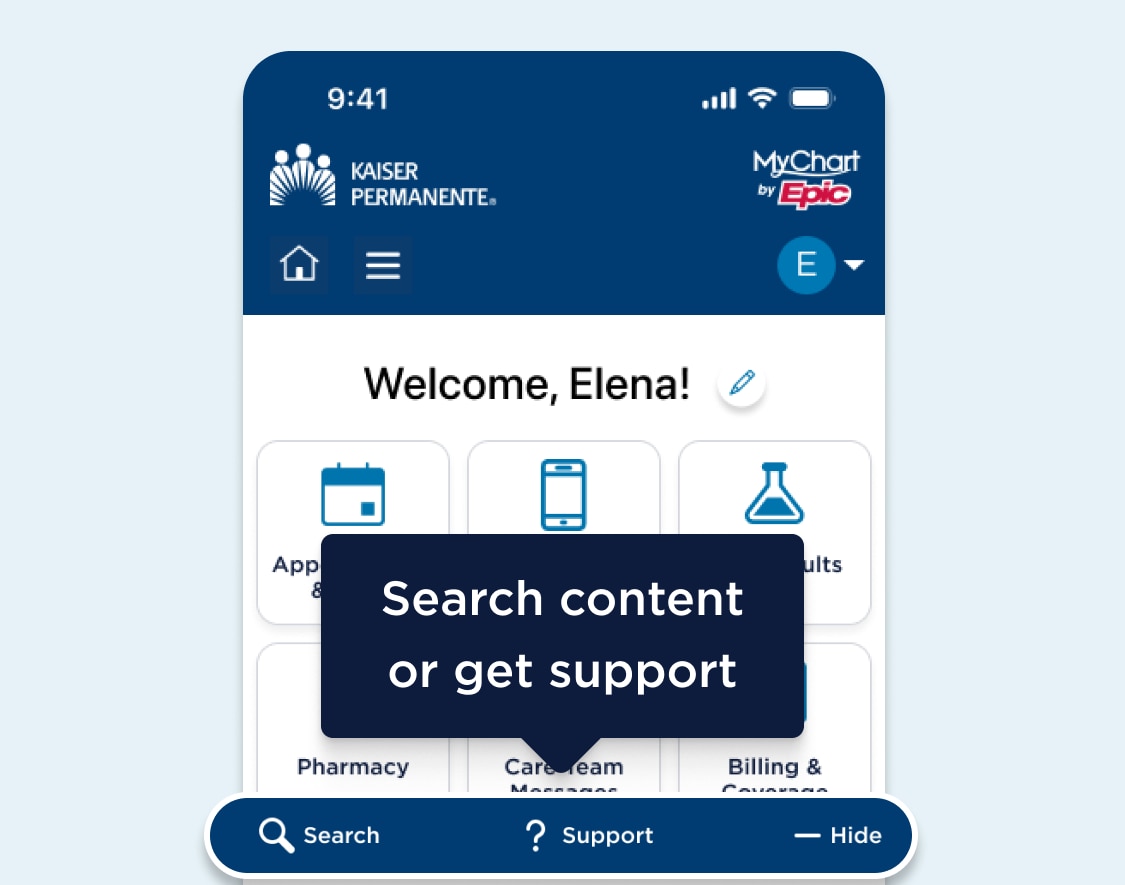
Your homepage has shortcuts so you can complete tasks like making an appointment or sending a message. You can also change your shortcuts to quickly get to the ones you use most by tapping the pencil icon at the top of the screen.
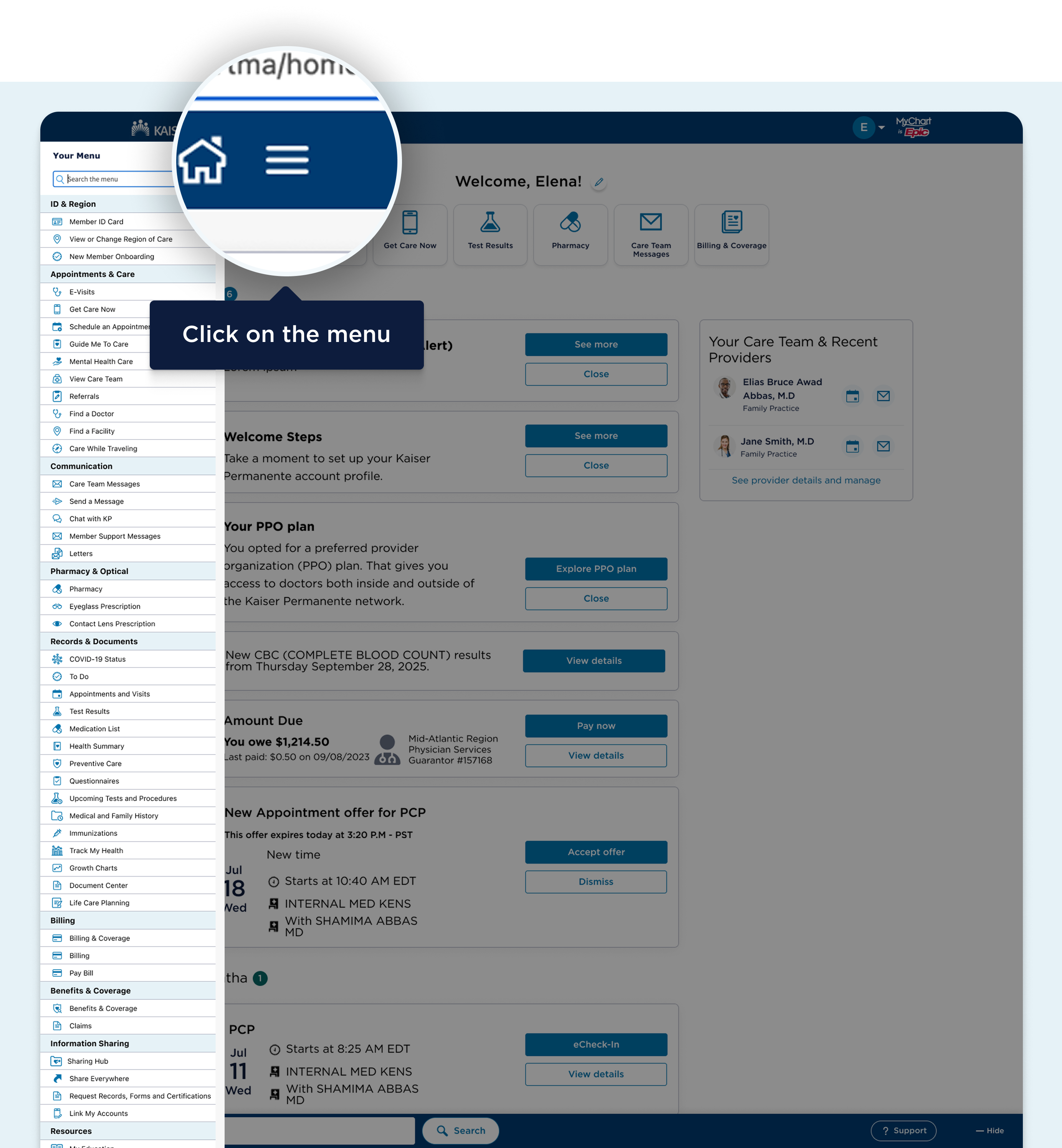
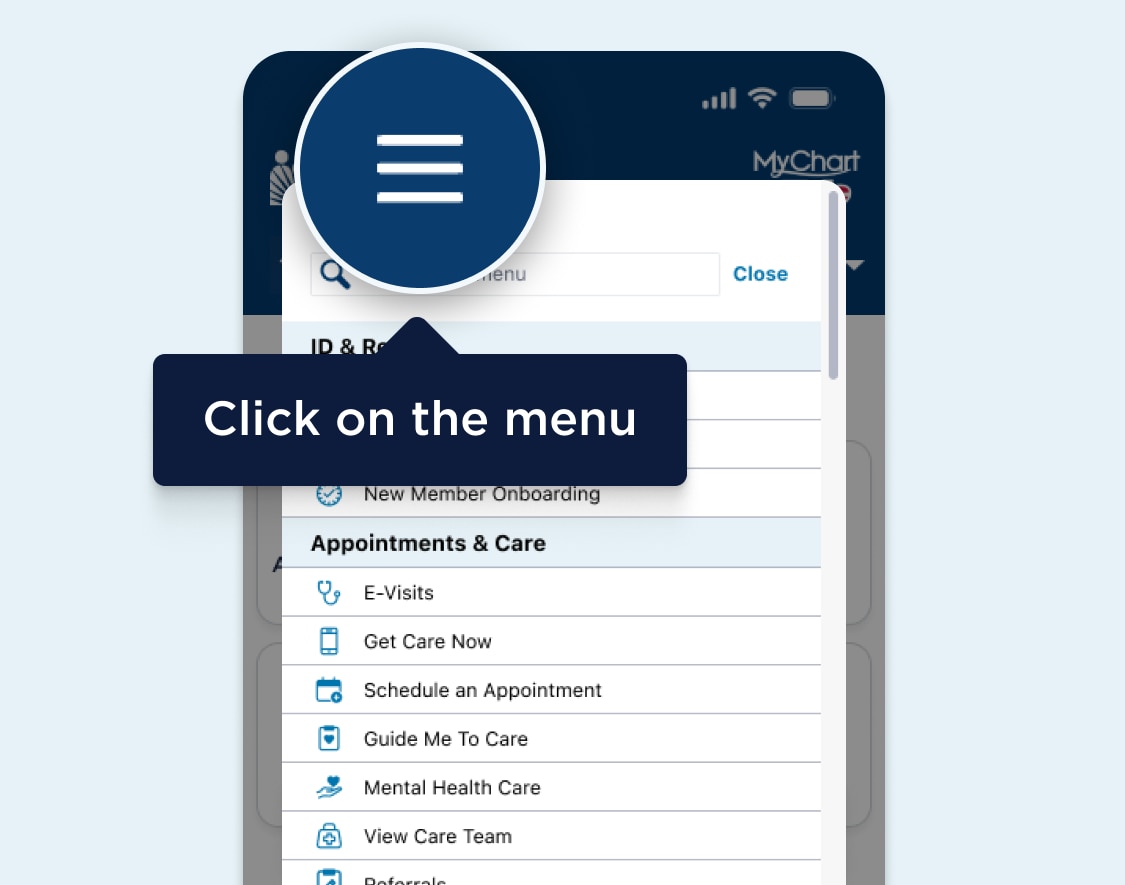
Tap the menu button at the top left corner of the navigation header to see your tools. You can view your appointments, bills, health records, and more.
Helping someone with their care? Tap the menu button at the top right corner of the navigation header and select “Manage friends and family” to add someone to your account. You can then use the menu to switch between accounts quickly and easily.

 Salir
Salir